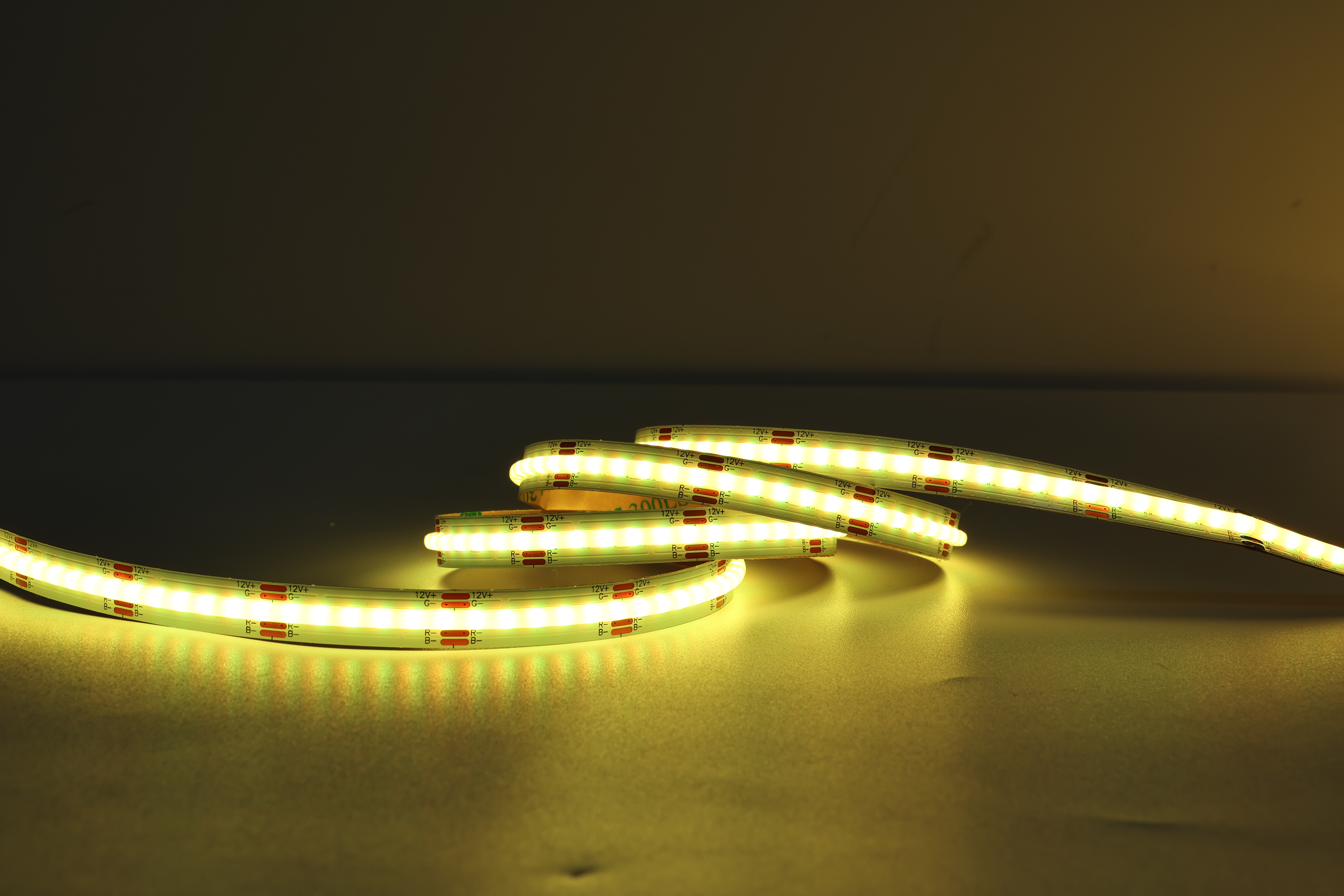
Programming an addressable LED strip opens unlimited creative possibilities for dynamic lighting effects in residential and commercial applications. Unlike traditional LED strips that operate as a single unit, addressable LED strips offer individual LED pixel control, allowing you to program each pixel independently with precise color values and timing sequences. This capability transforms simple lighting installations into sophisticated visual displays that can adapt to events, moods, or automated schedules.
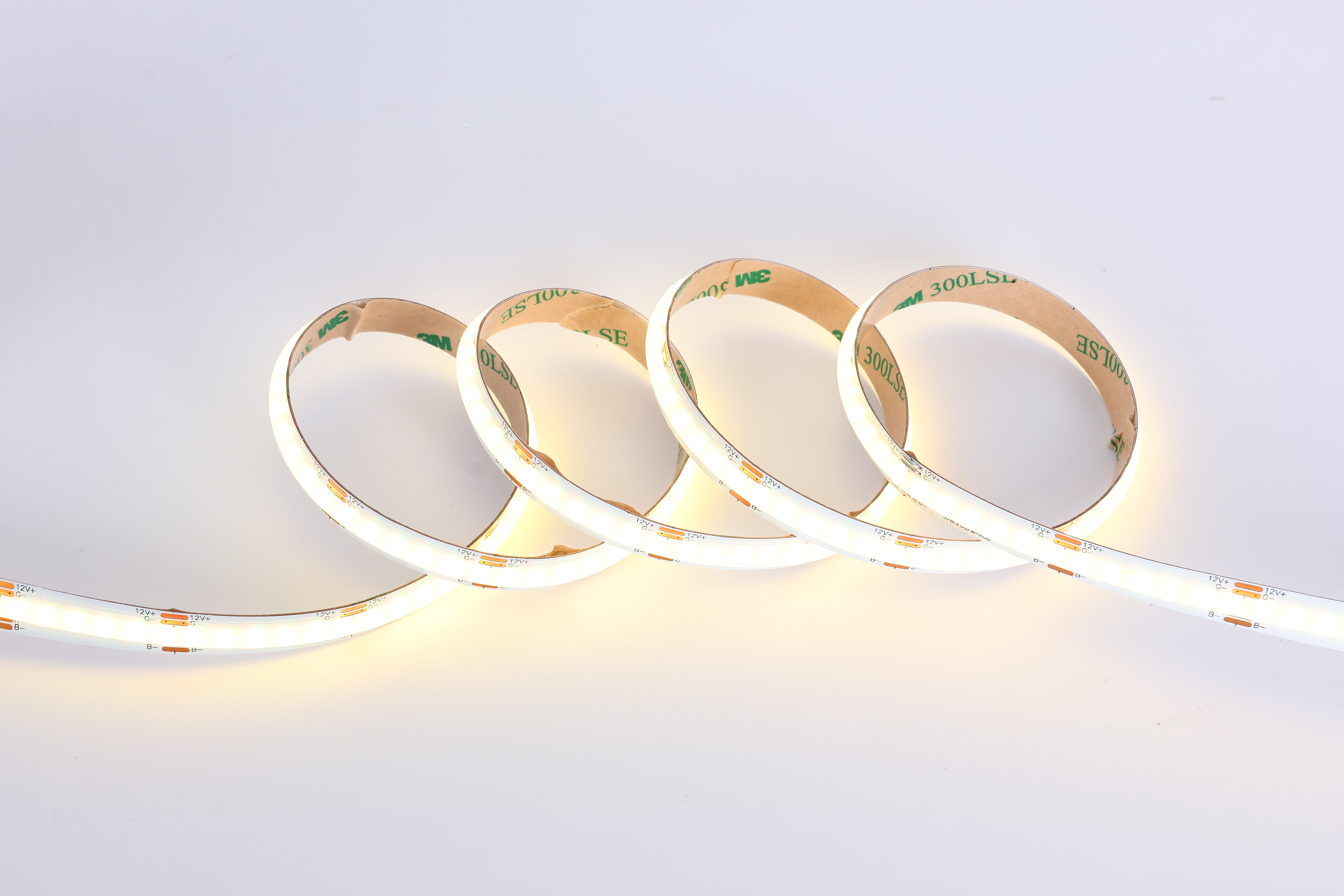
Understanding the fundamentals of programming a programmable RGB LED strip is essential before diving into complex color sequences. The process involves hardware setup, software selection, and coding logic that controls how data signals travel from your controller to each LED node. Whether you are designing garden lighting, stage effects, or architectural installations, mastering this skill empowers you to create stunning visual narratives without relying on expensive pre-programmed solutions.
Understanding Addressable LED Strip Architecture
How Smart Addressable Lighting Systems Work
Every addressable LED strip contains a series of addressable LED strips with integrated microcontrollers at the base of each pixel. These chips receive digital data signals that encode color information for red, green, and blue channels. When power reaches the strip, the first LED reads its assigned color data, passes the remaining signal down the chain, and each subsequent pixel repeats this process. This serial communication method enables individual LED pixel control without requiring separate wiring for each light.
The controller sends data packets containing 24-bit color information for each pixel in rapid succession. Most programmable RGB LED strip systems operate at speeds exceeding 800 kHz, allowing smooth color transitions and real-time responsiveness. Understanding this architecture helps you optimize your programming approach and troubleshoot connectivity issues effectively.
Common Protocol Standards
Popular addressable LED strip protocols include WS2812B, APA102, and SK6812, each with distinct timing requirements and data formats. WS2812B strips are widely used in consumer applications due to affordable pricing and extensive community support. APA102 strips offer superior color fidelity and faster update rates, making them ideal for professional installations. Identifying your strip's protocol ensures you select compatible software and write code that communicates correctly with your smart addressable lighting hardware.
Setting Up Your Hardware for Color Programming
Essential Components and Connections
To program colors on your addressable LED strip, you need a microcontroller, power supply, data line, and optional ground connection. Arduino boards, Raspberry Pi, and NodeMCU controllers are popular choices for DIY projects because they support multiple programming languages and offer extensive library documentation. The data line connects to a designated GPIO pin on your controller, while the power supply provides voltage appropriate for your strip's specifications. Most programmable RGB LED strip systems require separate power supplies rather than drawing all power from the microcontroller to ensure stable current delivery.
Proper grounding between your controller and power supply prevents signal interference and ensures reliable communication. For longer strips exceeding 5 meters, adding a level shifter between your controller and data line protects the microcontroller from voltage spikes. Testing each connection with a multimeter before applying power prevents costly hardware damage and ensures your individual LED pixel control operates smoothly.
Choosing the Right Power Supply
Calculating power requirements is critical for programmable RGB LED strip installations. Each pixel consumes approximately 60 milliamps at maximum brightness when displaying white. Multiplying this value by your total pixel count and applying a 1.5x safety factor provides the power supply rating you need. For example, a 60-pixel strip requires approximately 5.4 amperes at 5 volts, so you should select a 9-10 ampere power supply. Undersized power supplies cause voltage sag that corrupts data signals and produces inconsistent colors.
Programming Techniques and Color Control Methods
Writing Your First Color Program
Most programming environments provide libraries that simplify smart addressable lighting control. Arduino users access FastLED or Adafruit libraries that handle timing complexities automatically. Your basic program structure involves initializing the LED array, setting individual pixel colors using RGB values, and transmitting data to your addressable LED strip. A simple example assigns red color to pixel zero by setting red to 255 and green and blue to 0, then sends the data packet down the chain.
Building from this foundation, you can create loops that cycle through colors, implement fading effects, or respond to sensor input. The key principle is that individual LED pixel control gives you granular management over every light on your strip. Arrays store color values for multiple pixels, allowing you to program complex sequences that execute frame by frame at consistent refresh rates.
Advanced Color Transitions and Effects
Creating smooth color transitions requires interpolating between start and end values over multiple frames. Linear interpolation calculates intermediate color values by dividing the difference between two colors into equal steps spread across your desired duration. Exponential functions can accelerate or decelerate transitions for more organic motion. A rainbow effect cycles through the color spectrum by rotating hue values while maintaining consistent saturation and brightness, demonstrating how programmable RGB LED strip libraries provide mathematical functions for color space conversion.
Synchronized effects across multiple strips demand careful timing management. Using a master controller that coordinates data transmission to multiple addressable LED strip outputs ensures pixel-perfect synchronization. Arrays indexing techniques allow you to treat multiple physical strips as a single virtual display, enabling seamless animations that span your entire installation. These advanced techniques transform your smart addressable lighting system from simple color display into professional-grade visual effects platform.
Troubleshooting and Optimization
Common Programming and Hardware Issues
Flickering colors often indicate voltage sag or poor data signal integrity. Verify your power supply delivers stable voltage under load and add decoupling capacitors near the first pixel to suppress noise. If only some pixels respond correctly, check data line continuity and ensure all connections use quality connectors. Testing individual LED pixel control by programming specific pixels to known colors helps isolate hardware versus software problems quickly.
Data transmission errors frequently result from timing violations or incompatible library versions. Referencing your strip's protocol timing specifications ensures your code generates correct pulse widths. Some programmable RGB LED strip libraries require specific MCU frequencies to maintain timing accuracy, so verify your board configuration matches library requirements. Enabling serial debugging output reveals whether your controller generates correct color data even if the physical strip does not display it.
Performance Optimization for Large Installations
Large addressable LED strip installations exceeding 500 pixels consume significant memory and processing power. Optimizing your color storage by using palette-based systems reduces memory usage compared to storing full RGB values for every pixel. Pre-calculating animation frames and storing them in flash memory enables smoother playback without real-time computation overhead. Dividing your installation into segments controlled by separate microcontrollers distributes processing load and improves refresh rates across your smart addressable lighting network.
FAQ
What is the difference between addressable and traditional LED strips?
Traditional LED strips operate as single units where all pixels display the same color simultaneously. Addressable LED strips enable individual LED pixel control, allowing each pixel to display different colors independently. This individual addressing capability requires microcontroller integration and more sophisticated programming but delivers vastly superior creative possibilities compared to traditional lighting solutions.
Can I program addressable LED strip colors without coding experience?
Yes, many user-friendly platforms and mobile applications provide graphical interfaces for programmable RGB LED strip control without writing code. Apps like Magic Home work with compatible controllers to create effects through intuitive menus. However, learning basic programming unlocks significantly more advanced customization options and gives you complete control over your smart addressable lighting behavior. Starting with simple Arduino sketches provides excellent entry point for beginners.
How many pixels can a single microcontroller address?
A single microcontroller can theoretically address thousands of individual LED pixel control points, though practical limitations depend on memory availability and refresh rate requirements. Most hobbyist microcontrollers manage 500-1000 pixels smoothly while maintaining 30+ frame-per-second refresh rates. Larger installations benefit from multiple controllers or specialized LED controllers designed specifically for managing extensive programmable RGB LED strip networks efficiently.
 EN