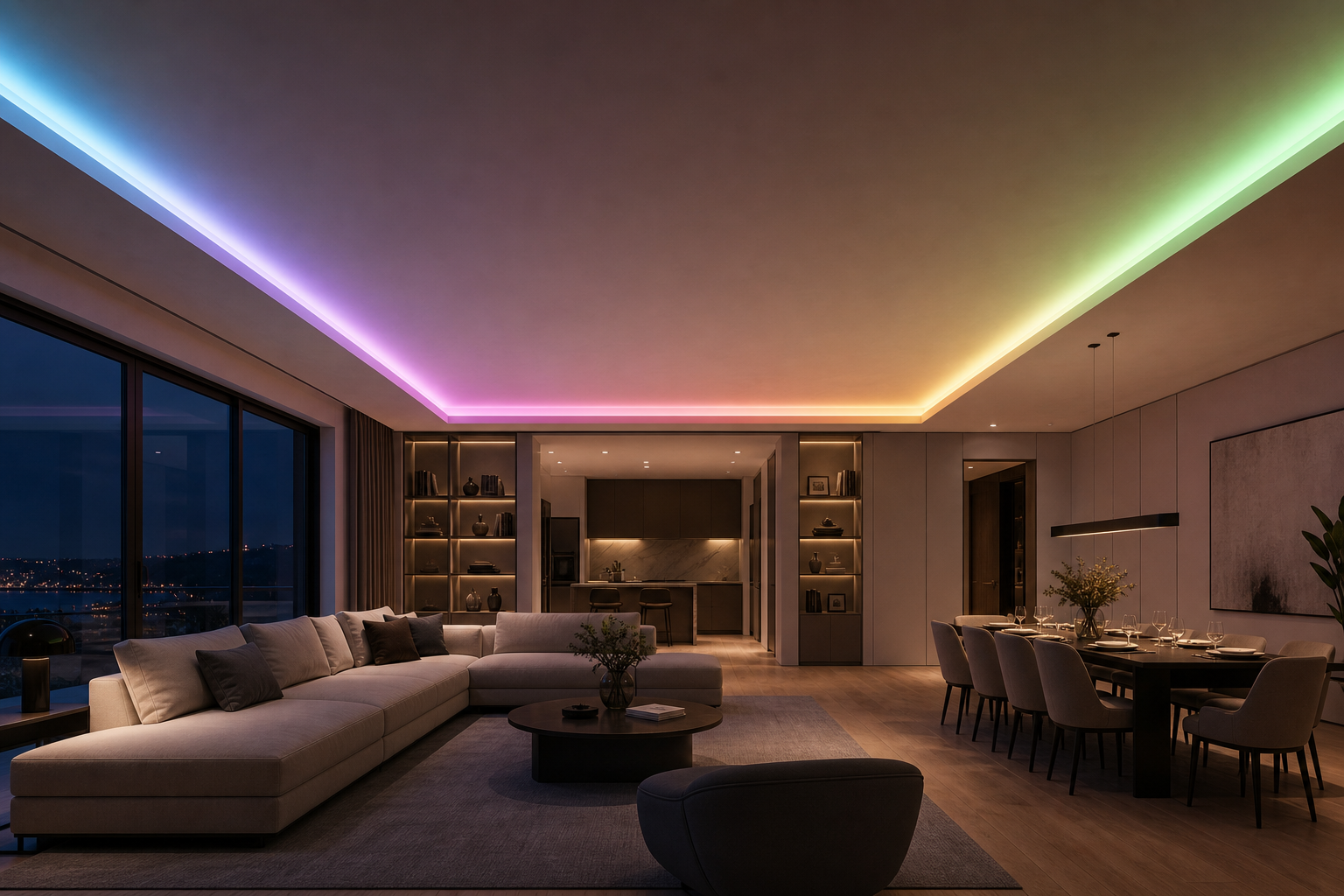
An rgb led strip that stops working or malfunctions can derail any lighting project, whether you're installing an addressable rgb strip for dynamic effects or a smart color led tape for ambient home lighting. Troubleshooting these systems doesn't require advanced expertise when you understand the core failure points and diagnostic methods. Most issues stem from power delivery, connection integrity, or control signal problems rather than defective components.
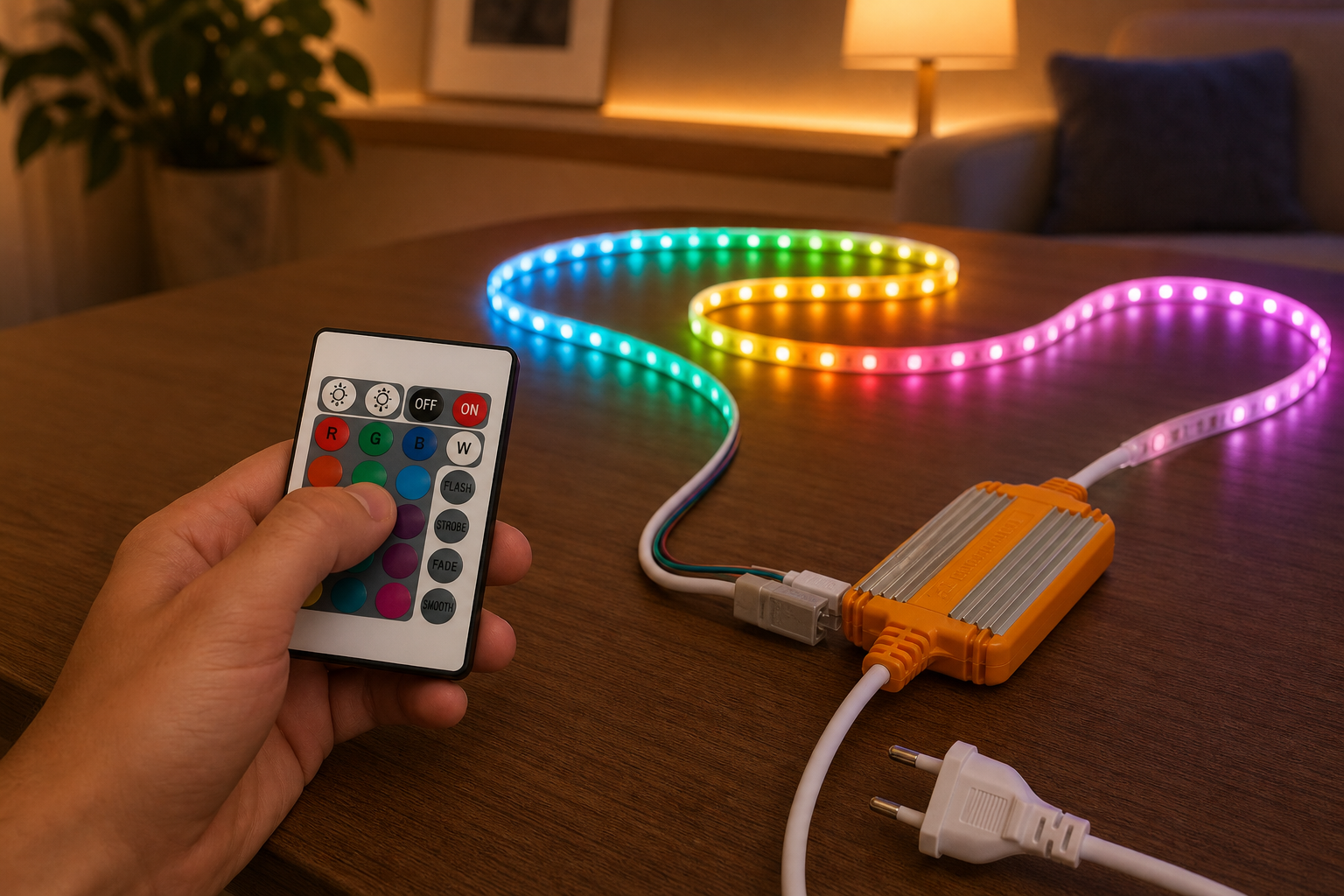
Understanding your dynamic lighting strip's behavior and systematically testing each component saves time and frustration. This guide walks you through practical troubleshooting techniques that work for most RGB LED configurations, from simple addressable rgb strip setups to complex smart color led tape installations with remote controls and app integration.
Power Supply and Connection Problems
Verifying Power Delivery to Your RGB LED Strip
Power issues represent the most common reason why an rgb led strip fails to operate. Start by confirming that your power supply delivers the correct voltage and amperage for your specific strip type. Most addressable rgb strip systems require 5V or 12V DC, while some dynamic lighting strip configurations demand higher current than standard wall adapters provide. Use a multimeter to measure voltage at the power input terminals while the supply is connected.
If the voltage reads significantly lower than the rated output, your power supply may be overloaded or failing. Each addressable rgb strip draws current proportional to its length and brightness settings, and exceeding the power supply's maximum output will cause dimming, flickering, or complete failure. Calculate the total power requirement by multiplying the strip's LED count, voltage, and maximum brightness, then compare it against your power supply rating.
Inspecting Connection Points and Cable Integrity
Connection failures between your smart color led tape and power source create open circuits that prevent any function. Examine the connector where the power cable meets your dynamic lighting strip for corrosion, bent pins, or loose fittings. Moisture exposure often causes oxidation on metal contacts, blocking current flow even when connections appear secure. Gently clean corroded contacts with a soft brush or fine sandpaper, then reconnect firmly.
Solder joints represent another failure point in addressable rgb strip installations. If your strip uses soldered connections rather than plug connectors, inspect the joints for cracks or cold solder points that create intermittent contact. Reflow suspicious joints with a soldering iron set to appropriate temperature for your strip's components. For plug-type connectors on an rgb led strip, ensure polarity matches correctly. Reversed polarity will not activate the strip and may damage the controller.
Signal and Control Issues
Diagnosing Data Signal Failures
Many addressable rgb strip and smart color led tape systems rely on digital data signals to control individual LED colors and brightness. When your dynamic lighting strip illuminates partially, displays random colors, or responds inconsistently to commands, signal integrity problems usually cause the issue. The data line that carries control information from your controller to the strip must maintain clean, predictable signal timing. Environmental interference from nearby electrical devices, poorly routed cables, or damaged wires degrades signal quality.
Test your control system separately from the rgb led strip to isolate whether the problem lies in the controller or the strip itself. Connect the controller to a different addressable rgb strip if available, or test your current strip with an alternative controller. If the strip works with a different controller but fails with the original, your controller likely needs replacement or reconfiguration. If the strip fails consistently regardless of controller, the strip's data line or processing circuitry has failed.
Addressing Remote and App Communication Problems
Smart color led tape systems with wireless remotes or mobile app control introduce additional troubleshooting steps for communication failures. Verify that your remote has fresh batteries with adequate voltage, since low battery levels prevent proper signal transmission to your dynamic lighting strip. Test the remote by aiming it at the receiver in different positions and distances to identify range limitations or directional reception issues. Some addressable rgb strip receivers are position-sensitive and require direct line-of-sight to function reliably.
For app-controlled smart systems, confirm that your mobile device and rgb led strip controller have paired successfully and remain within Bluetooth or Wi-Fi range. Restart your router if using Wi-Fi connectivity, or reset the Bluetooth connection on your device. Delete and reinstall the control app as a last resort, ensuring you follow the manufacturer's pairing procedure exactly. Interference from other wireless devices operating on the same frequency can disrupt control signals to your smart color led tape.
Hardware Inspection and Component Testing
Examining the RGB LED Strip Itself
Once power and control systems test normal, inspect the rgb led strip's physical condition for damage. Bend the strip gently while observing the LEDs; if a section suddenly turns off when bent, the internal copper traces have cracked or lifted from the substrate. Addressable rgb strip damage of this type typically cannot be repaired effectively and requires section replacement or complete strip replacement. Look for water intrusion under the silicone coating or inside connector areas, which indicates moisture exposure that may cause intermittent failures.
Test individual LED segments by applying power directly to test points or bypass connections when safe to do so. Some dynamic lighting strip installations allow temporary bypass of suspected failed sections to confirm whether the rest of the strip functions properly. Mark failed segments clearly and plan replacement. Adhesive degradation may cause the addressable rgb strip to separate from mounting surfaces, creating mechanical stress on internal connections.
Testing Capacitors and Power Stabilization
Electrolytic capacitors in your rgb led strip's control circuitry degrade over time, particularly in hot environments or when experiencing power surges. These components stabilize voltage supplied to the LEDs and control circuits, and failure causes flickering, color shifting, or complete failure of your smart color led tape. While capacitor replacement requires soldering skills, identifying failed capacitors helps confirm whether your addressable rgb strip needs professional repair or replacement. Look for swollen, leaking, or visibly damaged capacitors near the connection points.
Install a surge protector or dedicated power supply with built-in protection to prevent future capacitor damage on your dynamic lighting strip. Many failures on addressable rgb strip systems result from voltage spikes during power cycling or electrical storms. Quality power supplies include overvoltage protection that safeguards your rgb led strip and associated components from transient surges.
FAQ
Why does my addressable rgb strip show only one color instead of multiple colors?
This behavior typically indicates a data signal problem preventing individual LED addressing on your rgb led strip. The smart color led tape may be reverting to a default single-color mode, or the controller isn't sending proper control commands. Verify your controller settings match your addressable rgb strip specifications, confirm data cable connections are secure, and test with the controller reset to factory defaults. If one section shows correctly while others remain single-color, the data signal has degraded past that point on your dynamic lighting strip.
How do I fix flickering on my smart color led tape?
Flickering in an rgb led strip usually stems from insufficient power delivery or loose power connections. Verify that your power supply amperage exceeds the strip's peak draw at maximum brightness, since undersized supplies cause voltage sag and flickering. Check all power connectors on the addressable rgb strip for corrosion or loose fitting, and reseat them firmly. Additionally, ensure the power supply ground connects properly to your control system, as missing or inadequate ground connections create voltage instability on dynamic lighting strip installations.
Can I repair a damaged section of my dynamic lighting strip?
Complete repair of a damaged addressable rgb strip section is rarely cost-effective unless the break occurs near an existing cut line designed into the strip. Most rgb led strip products allow cutting at marked intervals, enabling removal of failed sections by carefully cutting at the next available cut line, removing damaged material, and reconnecting the remaining strip using solder bridges or connector blocks. For smart color led tape with integrated control circuitry, damage to the beginning section prevents the entire strip from functioning, requiring replacement of the complete strip.
 EN