 EN

how-to-troubleshoot-rgbic-led-strip-connection-issues, how-to-troubleshoot-rgbic-led-strip-connection-issues, /news
EN
2026/09/17
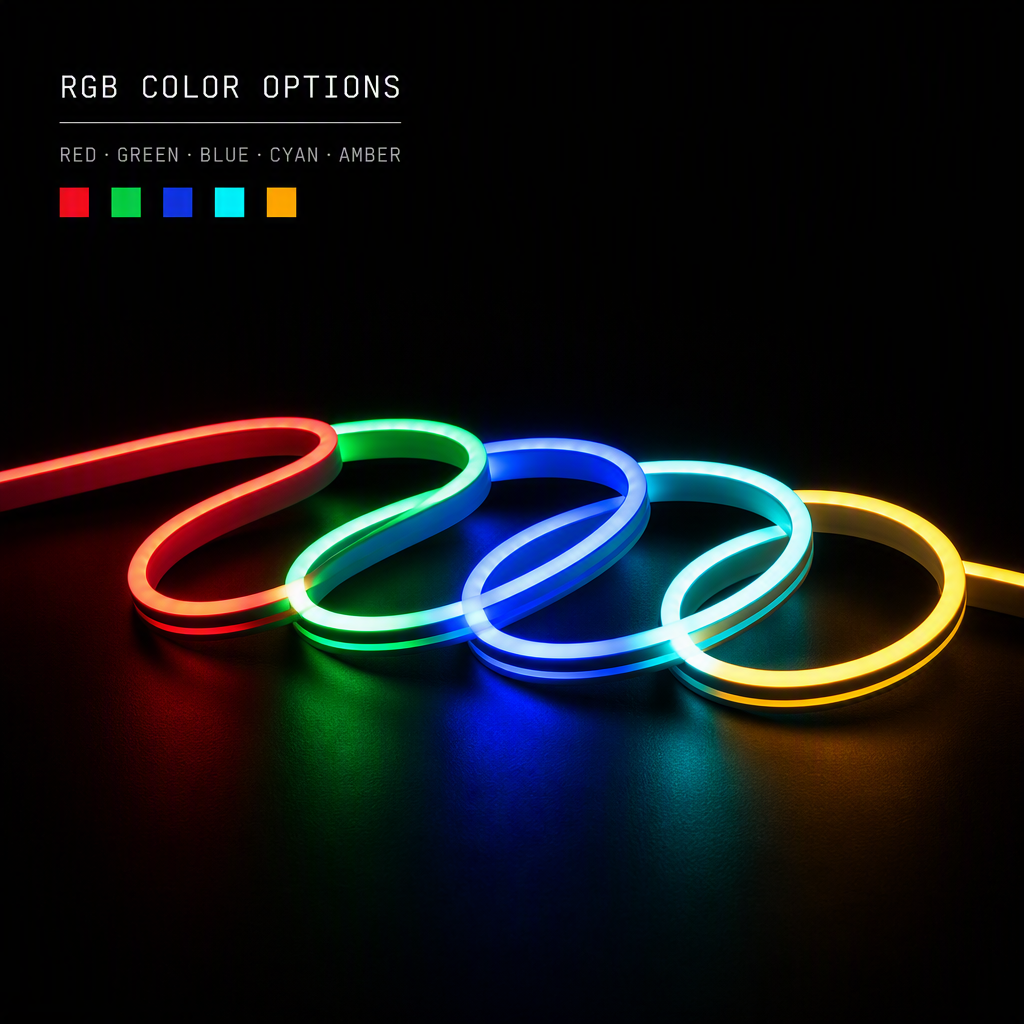
Connection issues with an rgbic led strip can quickly turn a promising lighting project into a frustrating experience. Whether you're installing an addressable rgb led strip for the first time or troubleshooting existing smart rgb led lighting, understanding the most common connection failures will save you significant time and effort. These advanced programmable led strip lights depend on precise electrical and data connections, so even small issues can prevent them from functioning correctly.

Unlike traditional LED strips, programmable led strip lights require both power and data signal integrity to operate. The rgbic led strip technology uses individual addressable pixels that respond to control signals, meaning a single broken connection point can disable the entire system or cause partial failures. This guide walks you through the most effective diagnostic and repair strategies to restore your smart rgb led lighting to full operation.
Power supply issues represent the most frequent cause of rgbic led strip failure. Begin by confirming that your power adapter delivers the correct voltage and amperage for your addressable rgb led strip setup. Check the manufacturer's specifications against your actual power supply rating. Many users connect underpowered adapters to their programmable led strip lights, which causes flickering, dim colors, or complete non-response at the strip's end segments.
Use a multimeter to test voltage at the power input terminals of your smart rgb led lighting system. Measure between the positive and negative leads with the power connected. The voltage should match your strip's requirement, typically 5V or 12V for addressable rgb led strip models. If voltage drops significantly below specification, your power supply may be failing or your cable gauge too thin for the current draw of your programmable led strip lights.
Loose or corroded connectors frequently disable an rgbic led strip without any visible damage. Examine all connection points where wires meet the strip's pads or connectors. Look for oxidation on metal contacts, particularly if your smart rgb led lighting installation is outdoors or in high-humidity environments. Oxidation creates resistance that blocks power delivery and data signals from reaching your addressable rgb led strip.
Reseat every connector by gently removing and reinserting it multiple times. This action scrapes away minor corrosion and ensures full contact. For corroded connections, use a pencil eraser or fine-grit sandpaper to clean the metal pads on your programmable led strip lights before reconnecting. Ensure all connectors are tightened securely to prevent vibration from loosening the connection during operation.
Smart rgb led lighting relies on precise data signal transmission through a dedicated control line. Your rgbic led strip won't respond to commands if the data connection is broken or misconfigured. Use your multimeter's continuity function to verify that the data line has an unbroken path from your controller to the first LED on your addressable rgb led strip.
Check your control device settings against your programmable led strip lights manual. Incorrect protocol settings, baud rates, or control pin assignments prevent the controller from communicating with your smart rgb led lighting. Many users select the wrong LED type or color order in their control app, which causes the rgbic led strip to display unexpected colors or remain unresponsive. Verify that your controller recognizes the correct LED count and color sequence for your addressable rgb led strip configuration.
Lengthy runs of programmable led strip lights experience signal degradation that prevents proper control of distant segments. If the first half of your rgbic led strip responds correctly but later sections fail or show errors, signal loss is likely the culprit. Data lines carrying control signals to your addressable rgb led strip degrade over distance, especially through poor-quality wiring or connectors.
Install inline repeater modules or signal amplifiers at strategic points along your smart rgb led lighting installation to restore signal strength. These devices regenerate the control signal for your programmable led strip lights, ensuring consistent performance across the entire rgbic led strip. Position repeaters approximately every 10 meters or according to your strip's specifications. This solution works particularly well for outdoor smart rgb led lighting installations where long cable runs are unavoidable.
Software conflicts often masquerade as hardware failures in an addressable rgb led strip setup. If your rgbic led strip won't respond to commands or behaves erratically, perform a complete system reset. Disconnect power to both your controller and programmable led strip lights for at least 30 seconds, then reconnect in the correct sequence. Most smart rgb led lighting systems require the controller to power on before the strip to establish proper communication.
Check your controller's firmware version against available updates for your rgbic led strip compatibility. Outdated firmware sometimes causes communication failures with newer addressable rgb led strip models. Update to the latest stable firmware version through your controller manufacturer's official app or website. After updating, reconfigure all settings for your programmable led strip lights and test with basic functions before applying complex effects to your smart rgb led lighting system.
Electromagnetic interference from surrounding electronics can corrupt data signals to your rgbic led strip. Use shielded cables for all connections to your addressable rgb led strip, especially for data lines in electrically noisy environments. Separate power cables from data cables by at least 10 centimeters to minimize crosstalk that might disable your programmable led strip lights or cause flickering in your smart rgb led lighting.
Replace low-quality or damaged cables immediately, as they are common sources of intermittent failures in rgbic led strip installations. Inspect cables for visible damage, kinks, or compression that might pinch internal conductors. Use cables rated for the current draw of your addressable rgb led strip. Undersized cables generate excessive heat and resistance, ultimately failing to deliver stable power to your programmable led strip lights or maintain signal integrity for your smart rgb led lighting.
Partial lighting typically indicates a power or data connection failure at a specific point along your addressable rgb led strip. The section before the failure works normally, but the rgbic led strip beyond that point receives insufficient power or corrupted control signals. Check connector tightness, measure voltage at multiple points along the strip, and verify that your programmable led strip lights haven't exceeded the maximum addressable rgb led strip length for your power supply. If one LED appears burned out, the entire data chain downstream may fail, requiring that LED to be replaced or bypassed.
Yes, electromagnetic interference from motors, wireless routers, or power supplies can disrupt data signals to your rgbic led strip, especially in programmable led strip lights with sensitive control circuitry. While interference rarely causes complete failure, it frequently causes glitches, color errors, or unresponsive sections in your addressable rgb led strip. Shielded cables and proper cable separation significantly reduce these issues. If your smart rgb led lighting experiences intermittent problems only when certain appliances run, electromagnetic interference is almost certainly the cause.
A failing power supply typically shows symptoms like progressive dimming, flickering that worsens over time, or inability to power the full length of your rgbic led strip. Test your power supply's output voltage with a multimeter under load. If voltage drops below 90% of the rated value when your programmable led strip lights are fully illuminated, the power supply is struggling or failing. A working smart rgb led lighting system should maintain stable voltage regardless of strip activity. Also check if the power adapter feels unusually warm, which indicates internal component stress in your addressable rgb led strip power system.
